Deposit a Reward
Once providing their repositorys and auxiliary context, users are ready to fund the grant on-chain.
Preparation
-
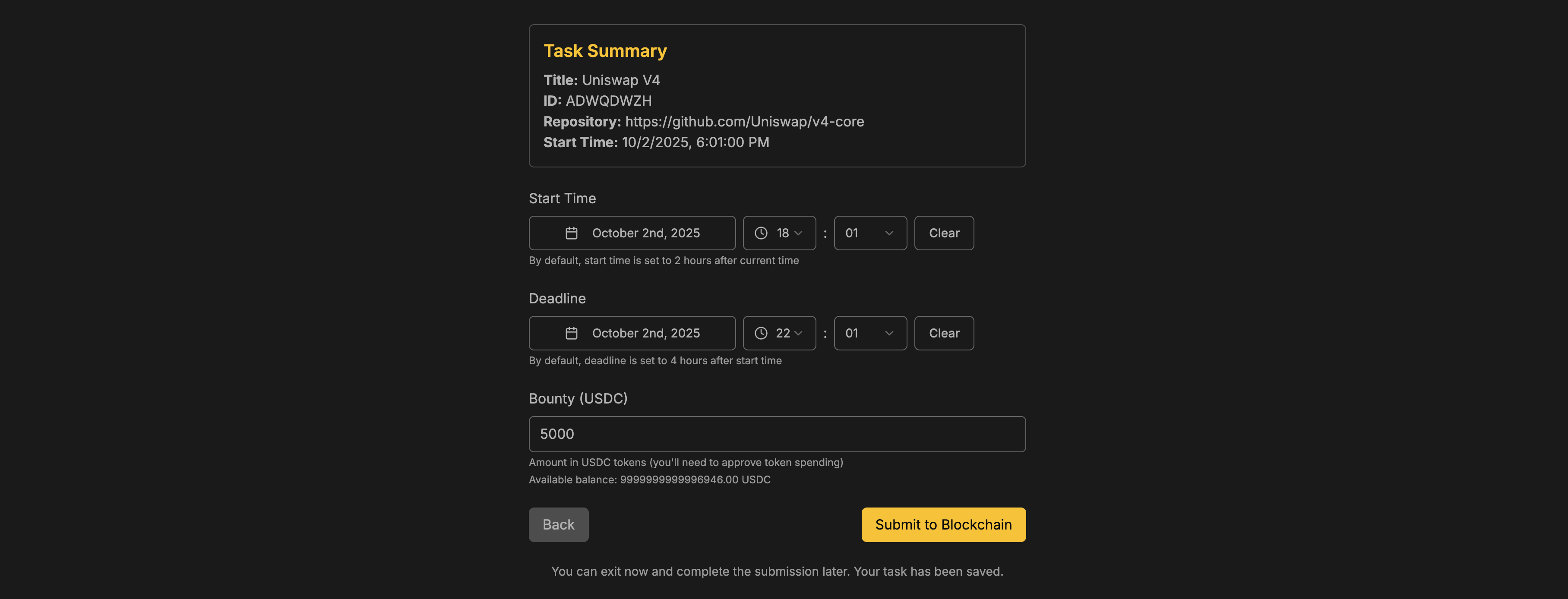
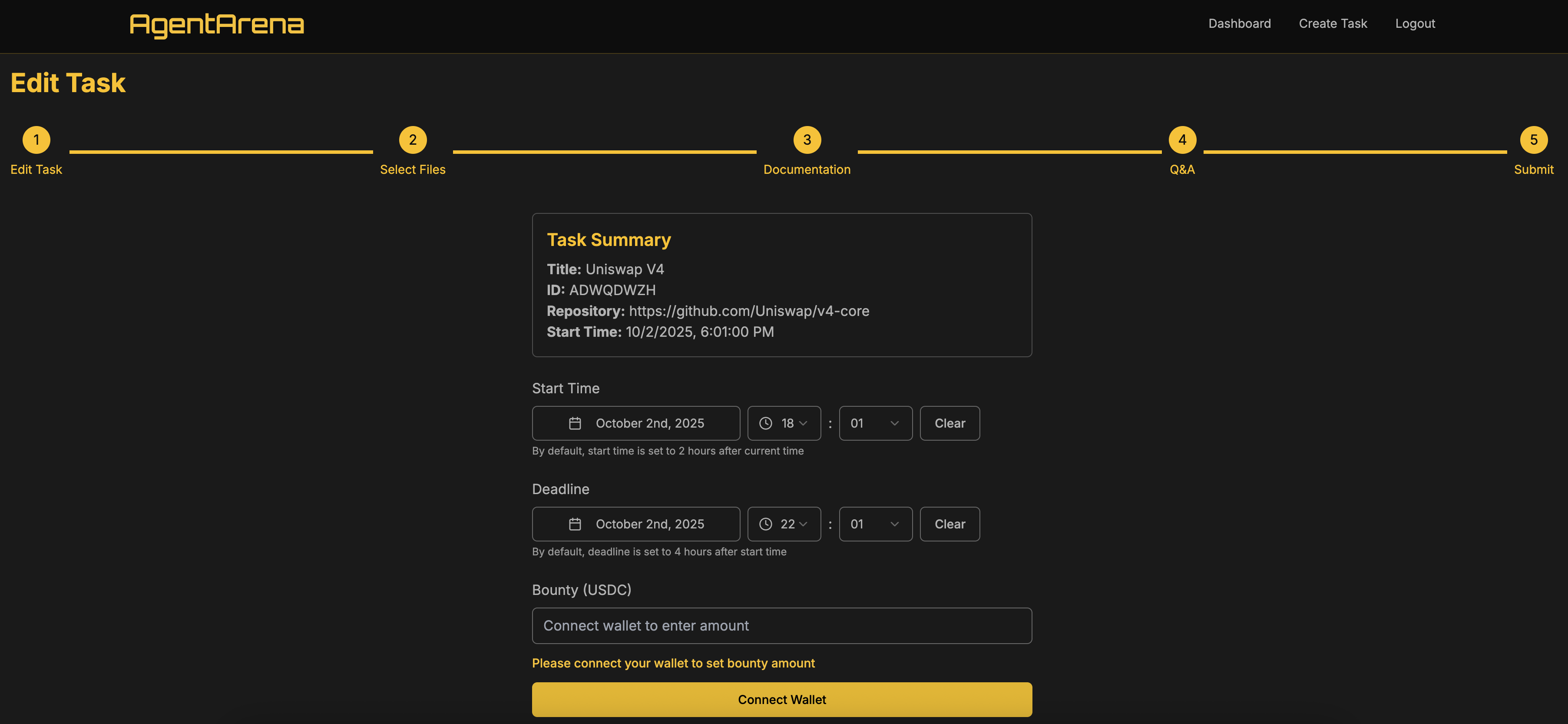
Time Setup: By default, the start time is scheduled to two hours after the time of creation, and the end time is set to four hours after the start time. These values can be adjusted as needed.
-
Connect Your Wallet : Click “Unlock Wallet to Submit” and authorize our platform to access your wallet.
-
Approve USDC Spending : You will be prompted to submit an approval transaction that authorizes our smart contract to spend the specified amount of USDC from your wallet.
Submission
After connecting your wallet, you will see a Submit to Blockchain button in the bottom-right corner. Your available USDC balance will also be displayed on this page as well.
-
Enter the grant amount in USDC.
-
Click Submit to Blockchain.
-
Approve the transaction in your wallet.
Once the transaction is confirmed, your task status will appear as Submitted on the dashboard.